Theme & Language Settings
- Here you can choose the style you like as the theme, you can choose background color, theme color
- You can also choose the language that suits you according to your region
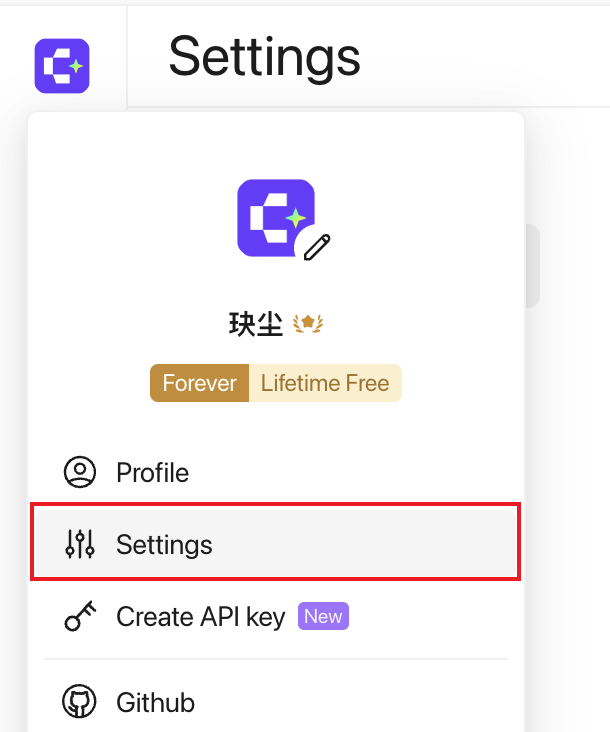
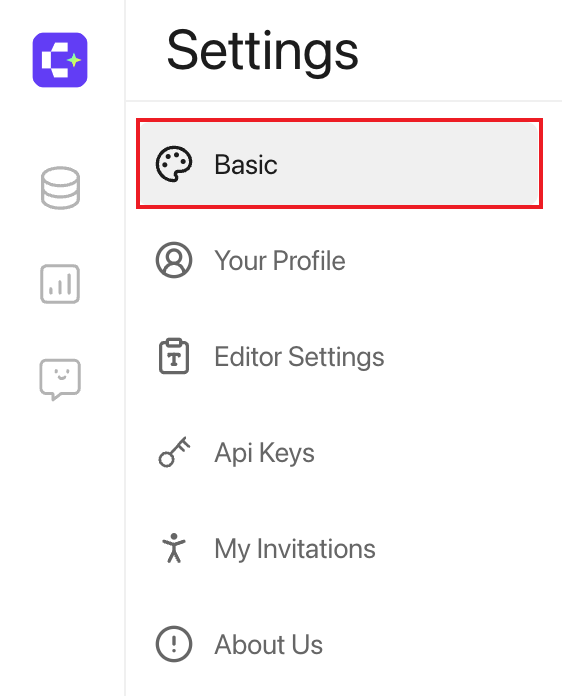
Click on the avatar in the lower left corner to select Settings, then select Basic to enter the basic settings page:
Set style
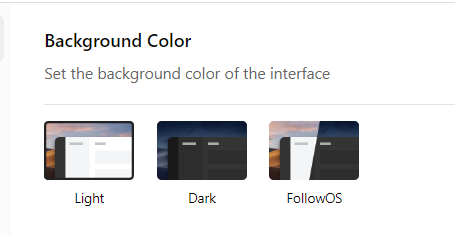
Set background: We provide two background colors for you to choose from: Light and Dark. Of course, you can also choose (according to OS system time) Automatically switch background color (Follow OS).
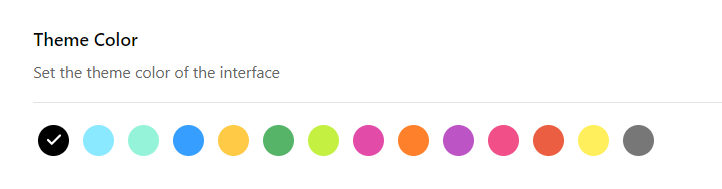
Set Theme: We provide 14 interface theme colors to choose from, choose your favorite theme here!
language setting
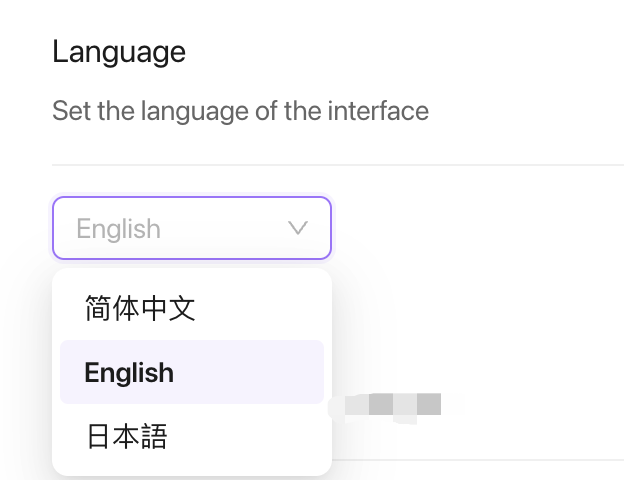
Language Settings: We currently only support three language types: Simplified Chinese, English, and Japanese. Click the small arrow on the right to select.